
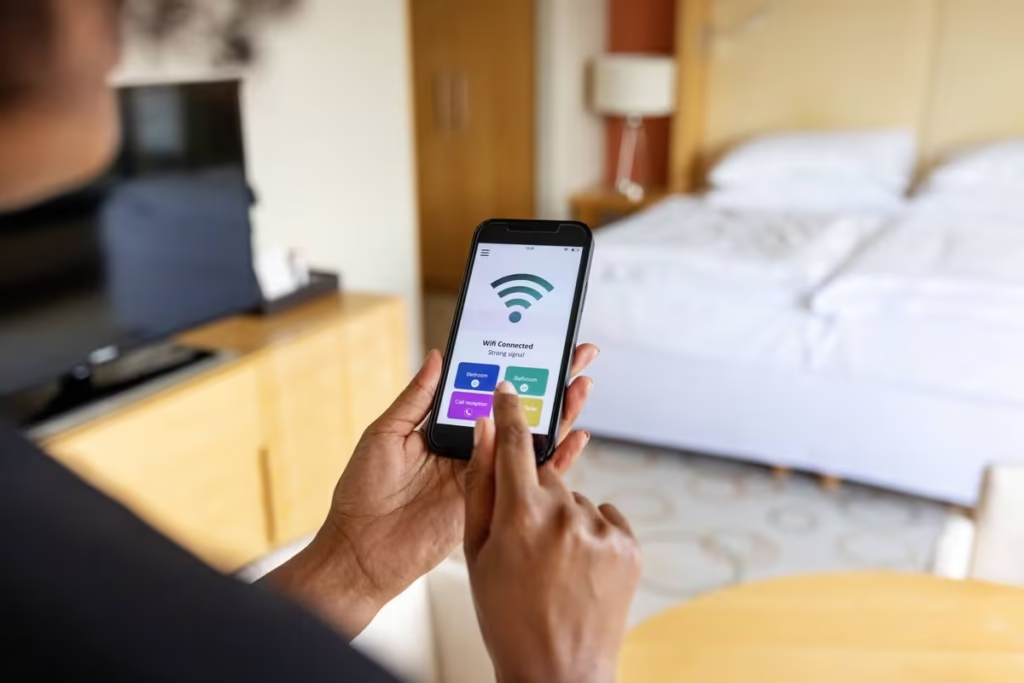
Is your Wi-Fi slow in bedroom Melbourne? Learn the most common causes, easy fixes to try, pricing expectations, and when in-home IT support can help.
Why Wi-Fi Is Often Slow in Bedrooms
Slow Wi-Fi in the bedroom is one of the most common and frustrating internet problems at home. It usually happens when the bedroom is further away from the modem or separated by walls, floors, or furniture that block the signal.
For many households across Melbourne, this issue affects:
Seniors using tablets or laptops in bed
Families streaming TV or making video calls
Carers relying on stable connections for communication
The internet may work perfectly in the lounge room, yet become slow or unreliable the moment you step into the bedroom.
Common Reasons Wi-Fi Is Slow in Bedrooms
Several factors can cause weak Wi-Fi signals in bedrooms, including:
Modem located too far away
Thick walls or double-storey homes
Metal bed frames or wardrobes blocking signal
Too many devices on the network
Outdated modem or router
Neighbouring Wi-Fi interference
Bedrooms are often at the edge of the Wi-Fi coverage area, which is why the problem shows up there first.
Simple Things You Can Safely Try First
Before booking professional help, you can try a few basic checks:
Move closer to the modem and test the speed
Restart the modem once
Make sure no large metal objects are near the modem
Disconnect unused devices temporarily
If Wi-Fi is still slow in the bedroom after these steps, the issue is usually related to signal coverage, not your internet plan.
Why DIY Fixes Often Don’t Last
Many people attempt fixes like:
Buying cheap Wi-Fi boosters
Moving the modem temporarily
Changing random settings
These often fail because they don’t address the layout of the home or correct network setup. Poorly installed extenders can even make Wi-Fi slower.
How In-home IT Support Fixes Bedroom Wi-Fi Problems
A professional in-home IT technician can:
Test Wi-Fi strength in each room
Reposition the modem for best coverage
Install and configure Wi-Fi extenders or mesh systems
Reduce interference from neighbouring networks
Secure the network properly
👉 This is where On-site IT support Melbourne makes a big difference, especially for seniors who want a clear explanation and a permanent solution.
What to Expect During a Wi-Fi Support Visit
During an in-home visit, you can expect:
Wi-Fi testing throughout the home
Clear explanation of why the bedroom signal is weak
Practical solutions suited to your home layout
Setup completed and tested before leaving
Everything is explained in plain English, without technical jargon.
Pricing Expectations in Melbourne
Typical pricing for in-home Wi-Fi help includes:
Call-out + first hour: $120–$160
Additional time: $30–$50 per 30 minutes
Costs depend on:
Size of the home
Equipment required (if any)
Network complexity
Reputable providers explain pricing before starting work.
When You Should Call a Professional
You should consider professional in-home IT support if:
Wi-Fi is consistently slow in the bedroom
Video calls drop out
Streaming buffers constantly
Health, work, or communication is affected
Most Wi-Fi issues are resolved in one visit.
Frequently Asked Questions
Not usually — it’s often a signal coverage issue.
Yes, when installed and configured correctly.
Yes, especially for double-storey homes.
Absolutely. In-home support is calm, patient, and face-to-face.
Most visits take 60–90 minutes.
Yes. Wi-Fi slow in bedroom Melbourne is one of the most frequent reasons people book in-home IT support.
Conclusion
Slow Wi-Fi in the bedroom doesn’t mean you need a new internet plan. If you’re dealing with Wi-Fi slow in bedroom Melbourne, professional in-home IT support can fix coverage issues properly and make your internet reliable throughout the home.
Need On-Site IT Support in Melbourne?
If technology problems at home are becoming frustrating, Fixable provides friendly in-home IT support across Melbourne.
Our technicians can visit your home and help with computers, Wi-Fi, printers, email setup, and device troubleshooting — all explained in simple terms.
Helpful Technology Guides
Computer Running Slow Melbourne
Wireless Printer Setup Melbourne
Slow Internet Speeds at Home Melbourne
Help Removing Computer Virus Melbourne
Areas We Service
Fixable provides in-home computer help across Melbourne suburbs including Brighton, Camberwell, Balwyn, Kew, Doncaster, Glen Waverley, Hawthorn and surrounding areas.