
Is your laptop overheating at home Melbourne? Learn the common causes, safe fixes to try, pricing expectations, and when in-home IT support can help.
Why Laptop Overheating Is a Serious Problem
When a laptop starts overheating, it can feel worrying—especially for seniors, carers, and busy families who rely on it for emails, banking, video calls, and important paperwork.
Across Melbourne, laptop overheating is a common issue, particularly in homes where devices are used for long periods or placed on soft surfaces like beds or couches.
Overheating doesn’t just make laptops uncomfortable to use—it can:
Slow performance
Cause sudden shutdowns
Shorten the life of the device
The good news is that many overheating problems are fixable without replacing the laptop.
Common Reasons a Laptop Overheats at Home
Several everyday factors can cause laptops to overheat, including:
Dust buildup blocking air vents
Laptop used on soft surfaces (beds, laps, cushions)
Fans not working properly
Too many programs running at once
Old software or missed updates
Laptop hardware ageing over time
For seniors, overheating can be confusing because the laptop may appear fine until it suddenly becomes very hot or turns itself off.
Safe Things You Can Try First
Before calling for help, there are a few safe steps you can try:
Place the laptop on a hard, flat surface
Make sure air vents are not blocked
Shut down the laptop and let it cool
Close programs you’re not using
Check if the fan sound seems unusually loud or quiet
If the laptop continues to overheat, it’s best not to ignore it, as heat can cause permanent damage.
Why DIY Fixes Often Make Things Worse
Many people try:
Using cheap cooling pads
Blowing air into vents without opening the laptop
Ignoring warning signs
Without proper cleaning and diagnosis, these fixes don’t address the real problem. In some cases, forcing airflow or continuing to use an overheating laptop can cause internal damage.
How In-home IT Support Fixes Laptop Overheating Properly
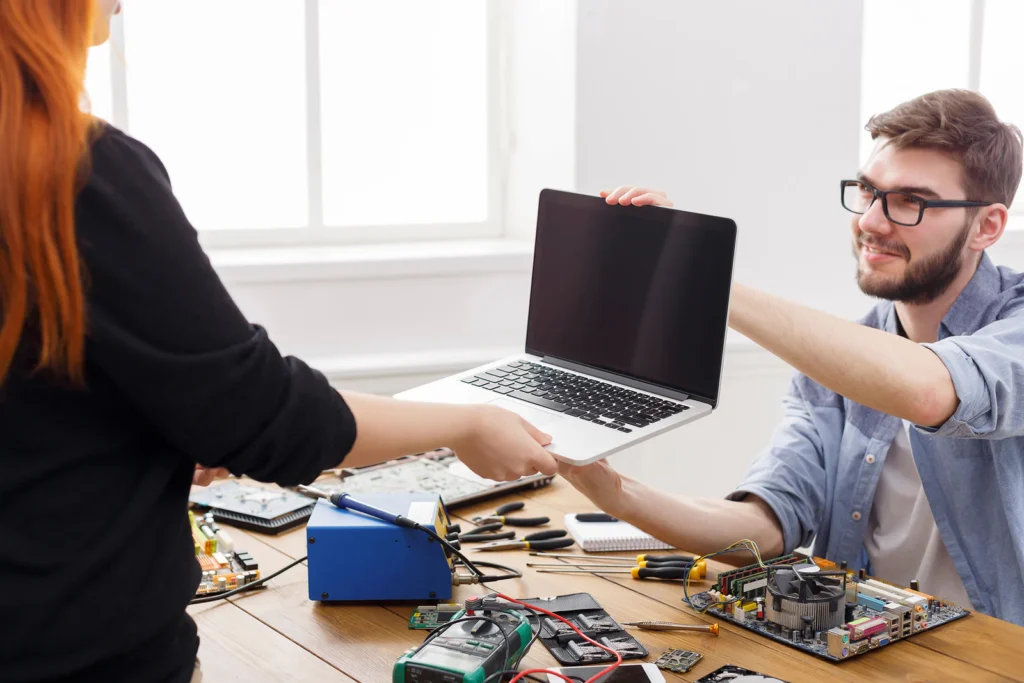
A professional in-home IT technician can:
Safely clean internal dust buildup
Check and test cooling fans
Optimise software and startup programs
Install updates correctly
Advise whether repairs or upgrades are worthwhile
👉 This is where On-site IT support Melbourne is especially valuable, as everything is handled carefully and explained clearly in your home.
What to Expect During a Laptop Support Visit
During an in-home visit, you can expect:
Laptop temperature and performance checks
Safe cleaning and optimisation
Clear explanation of the cause
Advice on preventing future overheating
Testing before the technician leaves
This calm, step-by-step approach is ideal for seniors and families.
Pricing Expectations in Melbourne
Typical pricing for in-home laptop support includes:
Call-out + first hour: $120–$160
Additional time: $30–$50 per 30 minutes
Costs depend on:
Laptop age and condition
Whether internal cleaning is required
Overall system health
Most overheating issues are resolved in one visit.
When You Should Call a Professional
You should arrange in-home IT support if:
The laptop becomes hot to touch
It shuts down unexpectedly
Performance slows dramatically
You’re worried about damaging the device
Early help can prevent costly repairs or replacement.
Frequently Asked Questions
Yes, prolonged overheating can damage internal components.
Often yes, especially if dust or software is the cause.
Not always, but batteries can contribute in older laptops.
Yes, reputable providers use patient, verified technicians.
Most visits take 60–90 minutes.
Yes. Laptop overheating at home Melbourne is a frequent reason people book in-home IT support.
Conclusion
Laptop overheating shouldn’t be ignored. If you’re dealing with laptop overheating at home Melbourne, professional in-home IT support can identify the cause, fix the problem safely, and help your laptop last longer—without stress or confusion.
Helpful Technology Guides
Computer Running Slow Melbourne
Wireless Printer Setup Melbourne
Slow Internet Speeds at Home Melbourne
Help Removing Computer Virus Melbourne
Areas We Service
Fixable provides in-home computer help across Melbourne suburbs including Brighton, Camberwell, Balwyn, Kew, Doncaster, Glen Waverley, Hawthorn and surrounding areas.