Need help removing computer/laptop virus Melbourne? Learn the warning signs, safe steps to take, and how in-home IT support can remove threats properly.
Worried Your Computer/Laptop Has a Virus?
Seeing strange pop-ups, unexpected warnings, or slow performance can be alarming — especially if you use your computer/laptop for banking, emails, or family communication.
Across homes in Melbourne, many seniors and families worry their computer/laptop has been infected when they notice:
-
Sudden pop-up ads
-
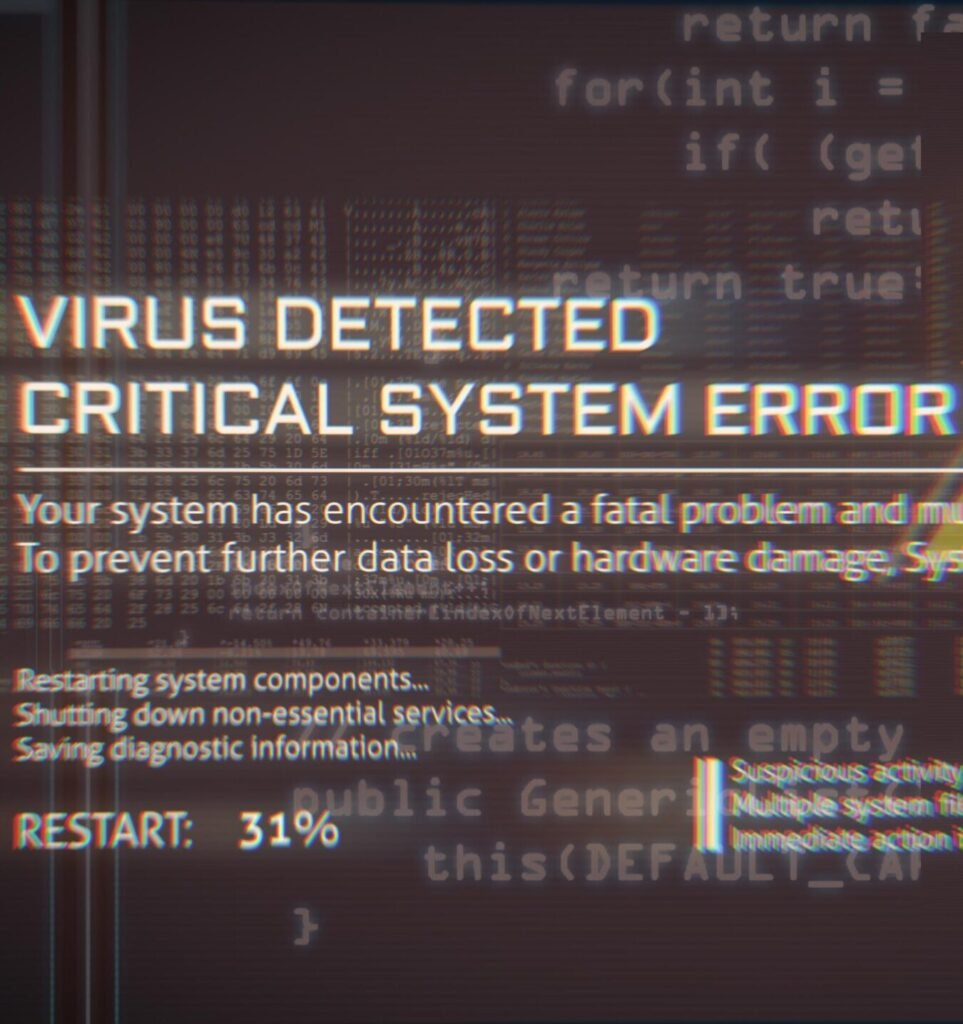
Fake “security alerts”
-
Slow or freezing performance
-
Browser redirecting to strange websites
-
Programs installing unexpectedly
-
Antivirus warnings
The good news? Most virus infections can be safely removed when handled correctly.
Common Signs of a Computer/Laptop Virus
You may need help removing a virus if you notice:
-
Frequent pop-ups, even when not browsing
-
Fake Microsoft or security warnings
-
Computer/laptop running much slower than usual
-
New toolbars or programs appearing
-
Files missing or encrypted
It’s important not to panic — but it is important to act carefully.
What NOT to Do If You Suspect a Virus
Many people accidentally make things worse by:
-
Clicking fake “Fix Now” buttons
-
Calling numbers shown in pop-ups
-
Installing unknown cleanup tools
-
Paying for fake antivirus software
-
Entering personal details into warning screens
Scammers design these messages to create urgency and fear.
If you’re unsure, it’s best to stop and seek professional help.
Safe First Steps You Can Take
If you suspect a virus:
-
Disconnect from the internet
-
Avoid entering passwords
-
Do not click suspicious alerts
-
Do not download unknown programs
-
Write down what you’re seeing
Then arrange proper assessment.
How In-home IT Support Removes Viruses Properly
A technician providing IT support for seniors Melbourne can:
-
Identify whether it’s a real virus or a scam pop-up
-
Remove malware safely
-
Clean infected files
-
Check browsers for malicious extensions
-
Update security software correctly
-
Secure your email and passwords
-
Ensure banking and personal information is safe
👉 This is where On-site IT support Melbourne is especially valuable — everything is checked in your home, calmly and thoroughly.
When Virus Removal Is Urgent
You should arrange immediate help if:
-
Banking details were entered
-
Passwords were typed into suspicious sites
-
Files are locked or encrypted
-
The computer/laptop is unusable
-
You’re unsure whether personal data is exposed
Early action can prevent bigger problems.
Pricing Expectations in Melbourne
Typical pricing for virus removal includes:
-
Call-out + first hour: $120–$160
-
Additional time: $30–$50 per 30 minutes
Most virus removal jobs are resolved in one visit, depending on severity.
Frequently Asked Questions
Can a virus be completely removed?
Yes, in most cases malware can be removed safely.
Does a virus mean I need a new computer/laptop?
Usually no — most systems can be cleaned.
Should I tell my bank?
Yes, if you entered financial information.
Can email accounts be secured at the same time?
Yes, technicians can check and secure connected accounts.
Is in-home IT support safe for seniors?
Yes, reputable providers offer patient, face-to-face help.
Is help removing computer/laptop virus Melbourne a common service?
Yes. Help removing computer/laptop virus Melbourne is one of the most urgent reasons families request in-home IT support.
Conclusion
A suspected virus can feel overwhelming — but you don’t have to handle it alone. If you need help removing computer/laptop virus Melbourne, professional in-home IT support can diagnose the issue, remove threats safely, and restore peace of mind.
Many Melbourne families trust Fixable for calm, reliable in-home tech support.