
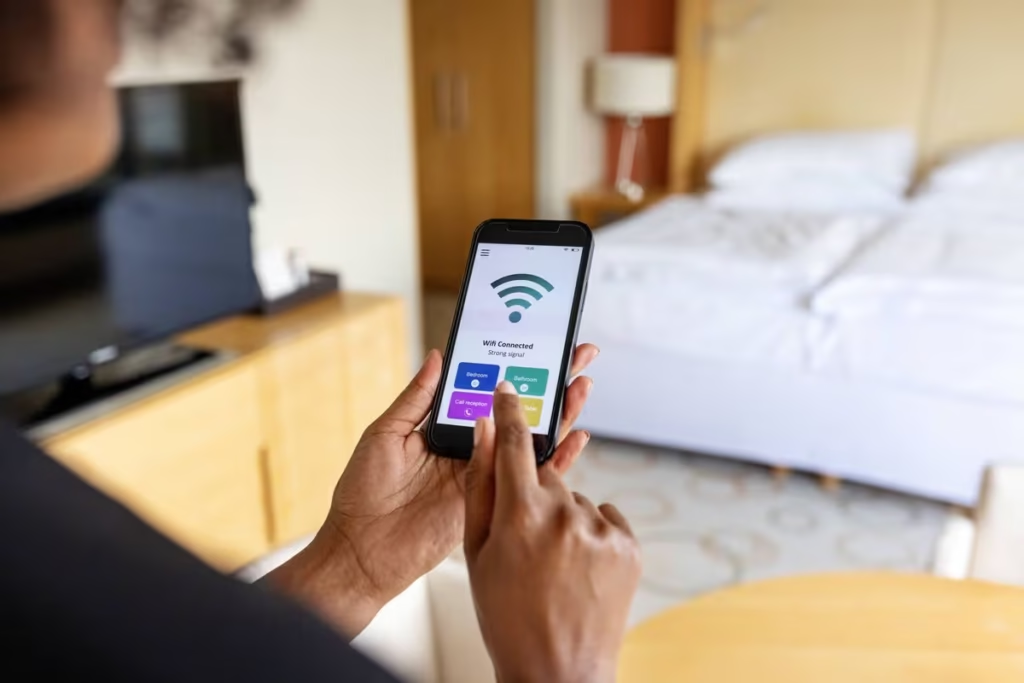
You know the feeling. Perfect Wi-Fi in the lounge room, streaming Netflix without a hitch. Then you take your tablet to the bedroom and suddenly everything buffers, video calls drop, or the connection disappears entirely.
This is the most common Wi-Fi complaint we hear from Melbourne households — and it’s almost never caused by your internet plan being too slow. It’s a coverage problem. The good news is that it’s very fixable. The bad news is that the “obvious” solution most people try first (the $49 extender from Officeworks) usually makes things worse, not better.
Let’s explain what’s actually happening — and what actually works.
Why your bedroom gets weak Wi-Fi: the real explanation
Wi-Fi is radio waves. Like any radio signal, it gets weaker with distance and gets blocked by physical objects. The further your bedroom is from the router, and the more walls, floors, and furniture between them, the weaker the signal arrives.
But there’s a second factor most people don’t know about: your router broadcasts on two different frequencies at the same time.
The 6 real reasons Melbourne bedrooms get weak Wi-Fi
Having helped hundreds of Melbourne households with exactly this problem, these are the causes we find most often — in order of how commonly we see them.
The router is in the wrong location
Most Melbourne homes have the NBN connection point near the front door or in a corner room — and the router ends up sitting there by default. This puts the signal source at one end of the house, leaving bedrooms at the far end with barely any coverage. A router in a cupboard is even worse — the cupboard walls absorb the signal before it even leaves the room.
Double brick walls — extremely common in Melbourne’s east
Melbourne’s eastern suburbs (Camberwell, Box Hill, Doncaster, Hawthorn, Balwyn, Glen Waverley) are full of double-brick homes built between the 1950s and 1980s. Double brick walls absorb Wi-Fi signal dramatically more than timber-frame or single-brick construction. A signal that would reach 20 metres in a modern home might struggle to reach 8 metres through double brick. If your home was built before 1990, this is almost certainly contributing to your bedroom problem.
Your device has connected to the wrong Wi-Fi band
As explained above — if your phone or tablet auto-connected to the 5 GHz network, it will have fast Wi-Fi near the router and almost nothing in the bedroom. Many modern routers combine both bands under the same Wi-Fi name (called “band steering”), which sounds convenient but means your device might be fighting to stay on the faster 5 GHz band even when the signal is too weak to use it reliably.
Too many devices competing for bandwidth
The average Melbourne household now has 12–15 connected devices: phones, tablets, laptops, Smart TVs, streaming sticks, smart speakers, gaming consoles, and more. When multiple people are streaming and the kids are gaming, the weaker bedroom signal gets overwhelmed first. The bedroom might have had adequate signal for light browsing but fails when it’s competing with the rest of the house.
An outdated or underpowered router
The free modem-router that comes with most NBN plans is designed for basic coverage — typically fine for a small apartment. For a 3–4 bedroom Melbourne home, especially an older double-storey or brick property, it’s often simply not powerful enough. Routers older than 5 years use older Wi-Fi standards (Wi-Fi 5 instead of Wi-Fi 6) with significantly shorter range and lower capacity.
Channel congestion from neighbours
In denser Melbourne suburbs — units, townhouses, or streets with houses close together — dozens of Wi-Fi networks overlap. Routers default to the same channels, causing interference that weakens your signal, particularly at the edge of your coverage area (which is usually the bedrooms). This is one that’s invisible until we scan the local airwaves to see what’s competing with you.
Why the cheap Wi-Fi extender usually makes things worse
Wi-Fi extenders (also called “boosters” or “repeaters”) are the first thing most people try — and the most common reason we get called in to fix a Wi-Fi problem that started as something simpler.
Here’s the problem: a standard extender creates a second Wi-Fi network with a different name (usually “HomeWifi_EXT”). Your device now has to choose between two networks, sometimes switching between them mid-video call. Worse, the extender itself only gets half the speed from your main router — then passes on that halved speed to your devices. You can end up with slower Wi-Fi in the bedroom than you had before.
A client in Doncaster called us after buying two different Wi-Fi extenders that both “made things worse.” The first extender was placed inside a wardrobe (blocked signal before it left the room). The second created a network conflict where her tablet kept switching between three networks mid-Zoom call with her daughter. We removed both extenders, installed a 2-node mesh system in the correct positions, and her bedroom went from unusable to consistently fast — in about 45 minutes.
What actually works: mesh Wi-Fi
For most Melbourne homes with a bedroom Wi-Fi problem, the solution is a mesh Wi-Fi system. A mesh uses two or more matching devices (called “nodes”) that work together as one seamless network. Your devices don’t see two networks — they see one, and automatically connect to whichever node gives the best signal as you move around the house.
| Solution | Cost | Does it work? | Notes |
|---|---|---|---|
| Move the router to a better location | Free | Sometimes | Worth trying first — only works if the NBN socket is in a central location |
| Switch to correct Wi-Fi band (2.4 GHz) | Free | Sometimes | Quick win if you have two networks visible — try the non-5G one |
| Cheap Wi-Fi extender / booster | $30–$80 | Often no | Halves bandwidth, creates network conflicts, causes device roaming issues |
| Mesh Wi-Fi system (2-node) | $200–$350 | ✓ Yes | Best solution for most Melbourne homes — seamless single network, full speed to all devices |
| Ethernet cable to bedroom | $150–$400+ | ✓ Yes | Fastest and most reliable — wall cable required, suits older Melbourne homes with ceiling access |
Three things to try yourself before calling us
1. Restart the modem
Power off your modem/router, wait 30 seconds, power back on. Wait 2 minutes for it to reconnect fully. Fixes about 20% of bedroom Wi-Fi issues on its own.
2. Test the speed in each room
Go to fast.com on your phone. Test in the lounge room near the router, then in the bedroom. If lounge is 80+ Mbps and bedroom is under 10 Mbps, it’s a coverage issue — not your plan.
3. Check which band you’re on
In Wi-Fi settings on your device, look at the connected network name. If there’s a version ending in “_5G” or “5GHz” — try disconnecting and reconnecting to the standard (2.4 GHz) version instead.
If these steps don’t resolve the problem, it’s almost certainly a coverage issue that needs a proper solution — either a mesh system or router repositioning. This is where an in-home visit makes sense, because coverage problems are very layout-specific and need to be assessed in person.
What a Fixable in-home visit covers
When we visit your home for a Wi-Fi coverage issue, here’s exactly what happens — no surprises.
Pricing: Our in-home rate is $89/hr across all Melbourne suburbs, with no call-out fee. Most bedroom Wi-Fi fixes take 60–90 minutes. If a mesh system is recommended, we can supply and install it on the same visit — we’ll give you the device cost upfront before touching anything. See our full pricing →
Frequently asked questions
Almost never. If your lounge room has fast Wi-Fi and your bedroom is slow, the NBN plan speed is fine — the signal just isn’t reaching your bedroom properly. Upgrading your plan won’t help with a coverage problem. The fix is always about signal distribution, not plan speed.
Usually yes — one node on the ground floor near the router, one node upstairs placed centrally covers most 4-bedroom Melbourne homes. In double-brick two-storey homes, you might need a third node if bedrooms are at the far end of the upper floor. We can assess this during the visit.
Absolutely — this is one of our most common jobs. We work with seniors and their families regularly. We explain everything clearly, set up the network so it’s simple to use, and make sure your parent understands what was done. We’re calm, patient, and take as much time as needed. You can also book on behalf of a family member. Read more about our senior-friendly IT support →
Mesh Wi-Fi uses the same radio frequencies as standard routers — just distributed more evenly. The signal strength from any individual node is no different from a standard home router. Australian Radiation Protection and Nuclear Safety Agency (ARPANSA) guidelines confirm home Wi-Fi operates well within safe exposure levels.
We cover all Melbourne suburbs — eastern, south-eastern, inner-city, and surrounding areas. This includes Doncaster, Camberwell, Box Hill, Glen Waverley, Ringwood, Kew, and all surrounding suburbs. Same rate, no call-out fee.
Bedroom Wi-Fi still driving you mad?
We’ll come to your home, test every room, and fix it properly. Same-day appointments often available. $89/hr, no call-out fee, all Melbourne suburbs.
Related guides you might find helpful
About Fixable: We provide friendly, patient on-site IT support across all Melbourne suburbs — computers, Wi-Fi, printers, email, and device setup, always in plain English. Same-day appointments when available. Call 0435 955 429 or visit fixable.au