
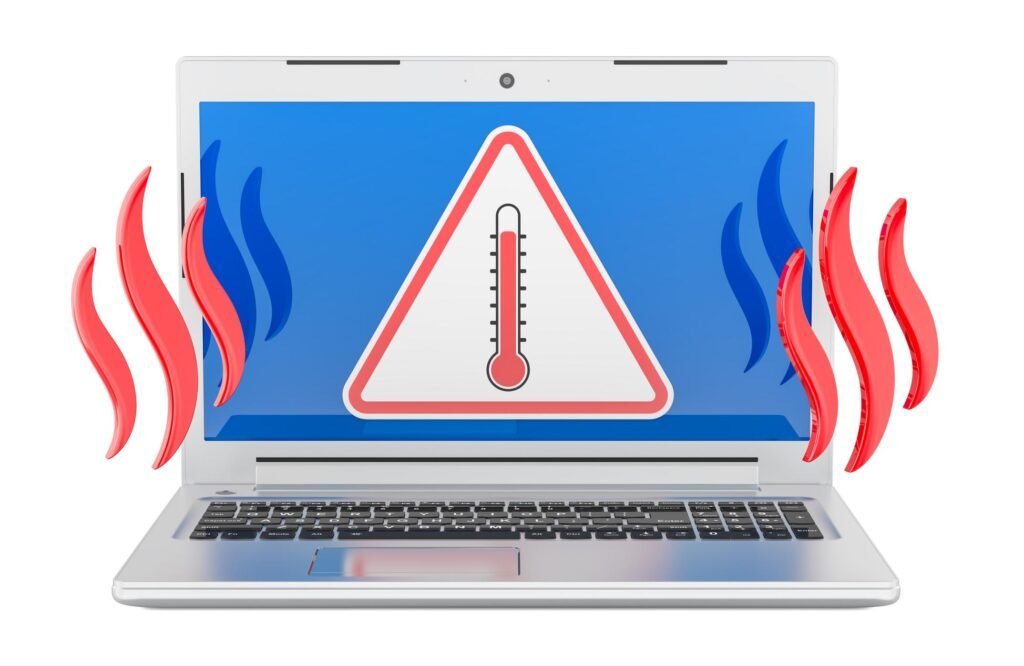
Laptop/Computer overheating at home Melbourne? Learn common causes, warning signs, safe steps to try, and how in-home IT support can fix overheating properly.
Why Is My Laptop/Computer Getting So Hot?
If your laptop/computer feels unusually warm — or even hot to touch — it can be worrying.
Across homes in Melbourne, laptop/computer overheating is a common issue, especially for seniors and families who use their devices daily for:
-
Email
-
Online banking
-
Video calls
-
Streaming
-
Browsing
Overheating doesn’t always mean something is broken — but it is a sign your laptop/computer needs attention.
Common Causes of Laptop/Computer Overheating
Laptops/computers generate heat naturally, but overheating usually happens due to:
-
Dust blocking air vents
-
Fan not spinning properly
-
Laptop/Computer placed on soft surfaces (beds, couches)
-
Too many programs running at once
-
Background updates
-
Aging thermal paste
-
Battery issues
-
Old hardware struggling with newer software
Many seniors unknowingly use laptops/computers on cushions or blankets, which restrict airflow and trap heat.
Warning Signs You Shouldn’t Ignore
Overheating can lead to bigger problems if left unchecked.
Look out for:
-
Loud fan running constantly
-
Laptop/Computer shutting down unexpectedly
-
Screen freezing
-
Burning smell
If your laptop/computer shuts off suddenly, it may be protecting itself from heat damage.
Safe Things You Can Try First
Before arranging help, you can try:
-
Placing the laptop/computer on a hard, flat surface
-
Restarting the device
-
Closing unused programs
-
Ensuring vents aren’t blocked
-
Avoiding direct sunlight
-
Checking for pending Windows updates
Avoid opening the laptop/computer yourself unless you are confident — internal components are delicate.
Why Overheating Problems Often Return
Sometimes a restart helps temporarily, but the heat comes back.
This usually means:
-
Internal dust buildup
-
Cooling system needs servicing
-
Thermal paste needs replacement
-
Software is overloading the system
-
The laptop/computer is aging
Repeated overheating can shorten your laptop’s/computer’s lifespan.
How In-Home IT Support Fixes Overheating Properly
A technician providing IT support for seniors Melbourne can:
-
Open and safely clean internal fans
-
Remove dust buildup
-
Check cooling system health
-
Reapply thermal paste (if needed)
-
Adjust system performance settings
-
Assess whether upgrade or replacement is smarter
👉 This is where On-site IT support Melbourne makes a big difference — everything is checked safely in your home environment.
When to Call for Professional Help
You should arrange in-home support if:
-
The laptop/computer keeps shutting down
-
The device feels too hot to touch
-
You notice performance decline
-
The laptop/computer is more than 5–7 years old
Early attention prevents permanent damage.
Pricing Expectations in Melbourne
Typical pricing for overheating diagnosis includes:
-
Call-out + first hour: $120–$160
-
Additional time: $30–$50 per 30 minutes
Most overheating issues are resolved in one visit, depending on severity.
Frequently Asked Questions
Is laptop/computer overheating dangerous?
It can damage internal components if ignored.
Can overheating damage the battery?
Yes, prolonged heat affects battery lifespan.
Should I use a cooling pad?
It may help, but it won’t fix internal dust or hardware issues.
Does overheating mean I need a new laptop/computer?
Not always — cleaning or servicing may solve it.
Is in-home IT support safe for seniors?
Yes, reputable providers offer patient, face-to-face help.
Is laptop/computer overheating at home Melbourne a common issue?
Yes. Laptop/Computer overheating at home Melbourne is a frequent concern, especially with older devices.
Conclusion
A hot laptop/computer is a sign something needs attention — but it doesn’t automatically mean replacement. If you’re experiencing laptop/computer overheating at home Melbourne, professional in-home IT support can safely clean, diagnose, and restore your device to stable performance.
Many Melbourne families trust Fixable for calm, reliable in-home tech support.
One Response
Hi, yup this post is truly fastidious and I have learned lot of things from it about blogging.
thanks.