Smart TV not connecting to Wi-Fi Melbourne? Learn common causes, safe steps to try, and how in-home IT support can restore your connection quickly.
Why Your Smart TV Suddenly Won’t Connect to Wi-Fi
You turn on your TV, open Netflix… and it says “No Internet Connection.”
Frustrating, right?
Across homes in Melbourne, this is one of the most common Smart TV problems — especially for seniors who rely on streaming for entertainment and staying connected.
The confusing part?
-
Your phone connects fine
-
Your laptop connects fine
-
But the TV refuses
The good news? Most Smart TV Wi-Fi issues are fixable.
Common Reasons a Smart TV Won’t Connect
There are several reasons this happens:
-
Incorrect Wi-Fi password
-
TV connected to the wrong network
-
Router needing restart
-
Software update required
-
Wi-Fi signal too weak
-
TV firmware outdated
-
Network settings corrupted
Sometimes the TV remembers an old network or password, which causes connection errors.
Safe Things You Can Try First
Before arranging help, you can try:
-
Restarting your modem/router once
-
Restarting the Smart TV
-
Double-checking the Wi-Fi password
-
Moving the router slightly closer (if possible)
-
Checking if other devices are connected
Avoid repeatedly resetting everything — that can sometimes make troubleshooting harder.
Why Smart TV Wi-Fi Problems Keep Coming Back
Many people notice:
-
It works after restarting
-
Then stops working days later
This usually means:
-
Weak signal in that room
-
Router placement issues
-
Firmware not updated
-
Network congestion
-
Old router hardware
Quick fixes often don’t solve the root cause.
How In-Home IT Support Fixes Smart TV Wi-Fi Properly
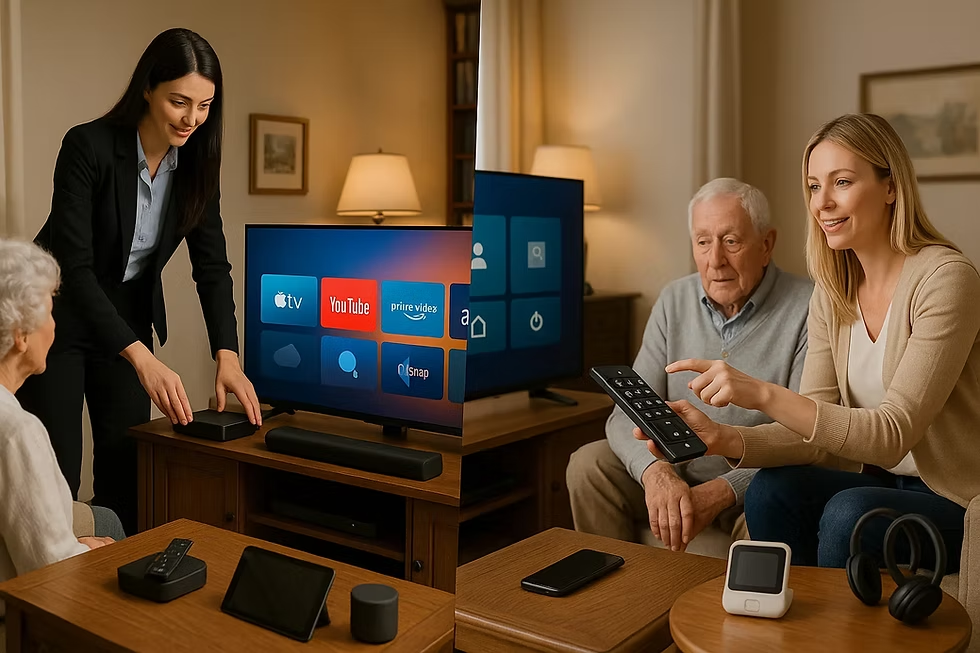
A technician providing IT support for seniors Melbourne can:
-
Test Wi-Fi strength near the TV
-
Optimise router placement
-
Update Smart TV firmware
-
Reconfigure network settings
-
Install mesh Wi-Fi if needed
-
Ensure Netflix, YouTube and streaming apps work properly
👉 This is where On-site IT support Melbourne makes a big difference — everything is tested in your home environment, not over the phone.
When You Should Arrange Professional Help
You should consider in-home support if:
-
Streaming buffers regularly
-
The problem started after changing internet providers
-
You recently moved furniture or routers
-
You don’t want to spend hours navigating TV menus
Sometimes the issue isn’t the TV — it’s the home network setup.
Pricing Expectations in Melbourne
Typical pricing for Smart TV troubleshooting includes:
-
Call-out + first hour: $120–$160
-
Additional time: $30–$50 per 30 minutes
Most Smart TV connection issues are resolved in one visit.
Frequently Asked Questions
Why does my Smart TV connect but not stream properly?
It may be a weak Wi-Fi signal or bandwidth issue.
Do I need a new Smart TV?
Usually no — most connection problems are network-related.
Can mesh Wi-Fi improve TV streaming?
Yes, especially in larger homes.
Can apps like Netflix be reinstalled?
Yes, apps can be reset or reinstalled if needed.
Is in-home IT support safe for seniors?
Yes, reputable providers offer patient, face-to-face help.
Is Smart TV not connecting to Wi-Fi Melbourne a common issue?
Yes. Smart TV not connecting to Wi-Fi Melbourne is a frequent request, especially in homes with older routers or signal coverage issues.
Conclusion
A Smart TV that won’t connect can be frustrating — but it doesn’t usually mean the TV is faulty. If you’re dealing with Smart TV not connecting to Wi-Fi Melbourne, professional in-home IT support can diagnose the real issue, optimise your setup, and restore smooth streaming.
Many Melbourne families trust Fixable for calm, reliable in-home tech support.