
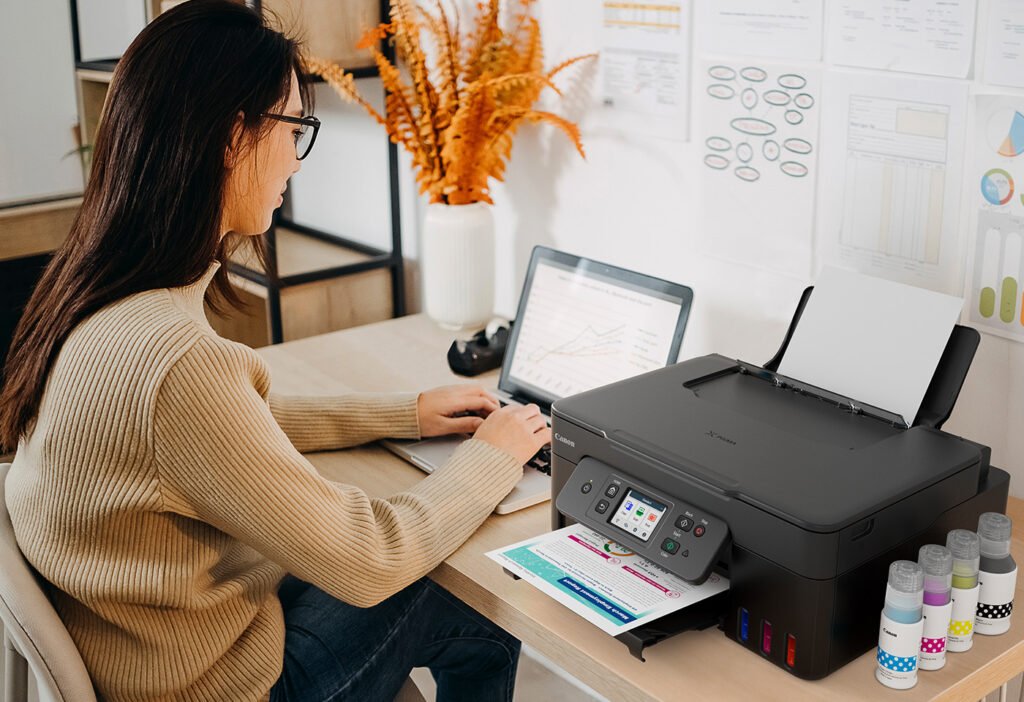
Need help with wireless printer setup at home Melbourne? Learn how it works, common problems, pricing expectations, and when in-home IT support is the easiest option.
Why Wireless Printer Setup Can Be Confusing at Home
Wireless printers are designed to make life easier, but setting them up can be frustrating—especially for seniors, carers, and busy families who just want their printer to work without complicated steps.
Across Melbourne, many households struggle with wireless printer setup because it involves:
Wi-Fi networks
Multiple devices
Apps, drivers, and settings that aren’t clearly explained
It’s common for printers to work on one device but not another, or to disconnect after updates.
Common Problems During Wireless Printer Setup
Some of the most frequent issues include:
Printer not connecting to Wi-Fi
Printer showing as “offline”
Computer or phone not finding the printer
Printing works on one device but not others
Setup apps freezing or failing
Router changes breaking the connection
For seniors, these issues can feel overwhelming because there’s rarely a clear message explaining what’s wrong.
Simple Things You Can Safely Try First
Before arranging professional help, there are a few safe steps you can try:
Make sure the printer is close to the modem during setup
Check that Wi-Fi is working on your phone or computer
Restart the printer and modem once
Use only one device during setup
If setup still fails, it’s best not to keep retrying, as repeated attempts can create duplicate printer profiles and more confusion.
Why DIY Wireless Printer Setup Often Fails
Many people try:
Downloading multiple printer apps
Reinstalling drivers repeatedly
Guessing Wi-Fi settings
These steps often don’t work because wireless printers need to be configured correctly for the specific home network. Incorrect setup can cause ongoing disconnections and printing errors.
How In-home IT Support Sets Up Wireless Printers Properly
A professional in-home IT technician can:
Connect the printer securely to your Wi-Fi
Install the correct drivers
Set up printing on computers, phones, and tablets
Remove duplicate or broken printer profiles
Test printing from all devices
👉 This is where On-site IT support Melbourne makes wireless printer setup simple and stress-free.
What to Expect During a Wireless Printer Setup Visit
During an in-home visit, you can expect:
Printer and network check
Correct wireless setup completed
Printing tested from all required devices
Clear explanation in plain English
Advice on avoiding future problems
This calm, face-to-face support is ideal for seniors.
Pricing Expectations in Melbourne
Typical pricing for wireless printer setup includes:
Call-out + first hour: $120–$160
Additional time: $30–$50 per 30 minutes
Most setups are completed in one visit.
When You Should Call a Professional
You should consider in-home IT support if:
The printer won’t connect wirelessly
Multiple devices need to print
Setup attempts keep failing
You want it done properly the first time
Professional setup saves time and prevents repeated issues.
Frequently Asked Questions
Most modern printers support wireless setup.
Yes, when configured correctly.
Not always — many printers already support it.
Yes, reputable providers use patient, verified technicians.
Most visits take 30–60 minutes.
Yes. Wireless printer setup at home Melbourne is a very common reason people book in-home IT support.
Conclusion
Wireless printing should be convenient, not frustrating. If you need wireless printer setup at home Melbourne, professional in-home IT support can ensure everything works smoothly across all your devices—without stress or confusion.
Helpful Technology Guides
Computer Running Slow Melbourne
Wireless Printer Setup Melbourne
Slow Internet Speeds at Home Melbourne
Help Removing Computer Virus Melbourne
Areas We Service
Fixable provides in-home computer help across Melbourne suburbs including Brighton, Camberwell, Balwyn, Kew, Doncaster, Glen Waverley, Hawthorn and surrounding areas.