
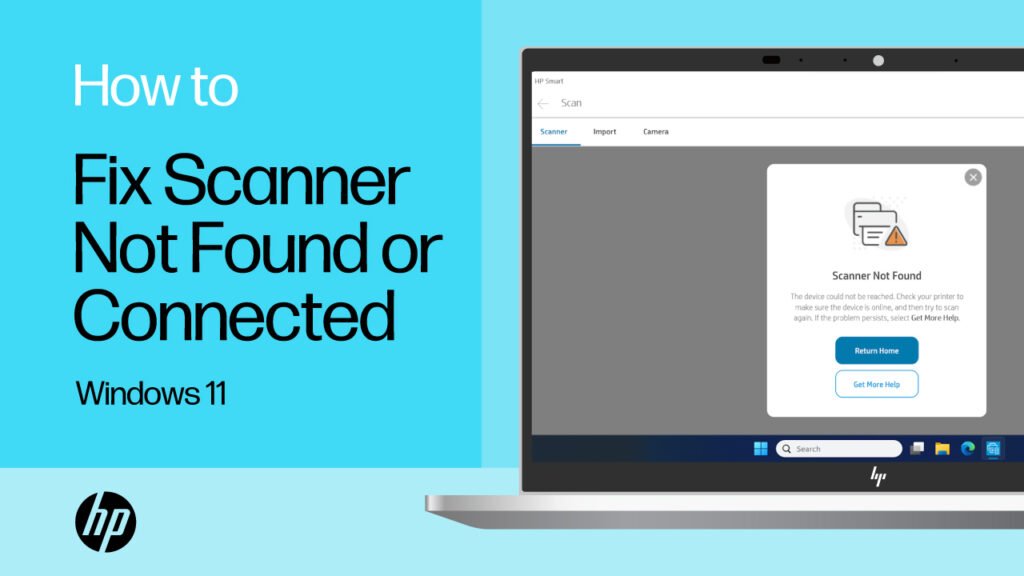
Is your scanner not working at home Melbourne? Learn common causes, safe fixes to try, pricing expectations, and when in-home IT support can help.
Why a Scanner Suddenly Stops Working at Home
When a scanner stops working, it can quickly block important tasks like sending medical forms, scanning ID documents, or emailing paperwork. For seniors, carers, and families, this can feel stressful—especially when the printer still works but scanning doesn’t.
Across homes in Melbourne, scanner issues are very common. They often appear suddenly after updates, Wi-Fi changes, or new devices being added.
The good news is that most scanner problems are setup-related, not hardware failures.
Common Reasons a Scanner Isn’t Working
Scanners rely on software, drivers, and correct connections. If one part breaks, scanning stops.
Common causes include:
Scanner drivers missing or outdated
Computer updates removing scanner settings
All-in-one printer not recognised as a scanner
Scan software corrupted or missing
Multiple devices confusing the setup
For seniors, it’s especially confusing when printing still works, but scanning does not.
Safe Things You Can Try First
Before calling for help, there are a few safe checks you can try:
Restart the printer/scanner and computer once
Make sure the scanner is powered on
Try scanning directly from the printer screen (if available)
Check if the scanner appears in your computer’s device list
Avoid installing multiple scanner apps at once
If scanning still doesn’t work, it’s best not to keep guessing, as incorrect installs can make the issue harder to fix.
Why DIY Scanner Fixes Often Don’t Last
Many people try:
Downloading random scanner software
Reinstalling drivers repeatedly
Changing settings without knowing what they do
These attempts often fail because scanners need the exact correct driver and setup for the specific printer model and home network.
This is why scanner issues often return again and again without proper configuration.
How In-home IT Support Fixes Scanner Issues Properly
A professional technician providing IT support for seniors Melbourne can:
Install the correct scanner drivers
Fix scanner detection problems
Configure scan-to-email or scan-to-computer
Set up scanning on multiple devices
Remove broken or duplicate scanner profiles
👉 This is where On-site IT support Melbourne is especially valuable, because everything is tested in your home before the technician leaves.
What to Expect During a Scanner Support Visit
During an in-home visit, you can expect:
Scanner and connection checks
Correct driver and software setup
Scanning tested end-to-end
Clear explanations in plain English
Advice on preventing future issues
This calm, face-to-face approach is ideal for seniors and carers.
Pricing Expectations in Melbourne
Typical pricing for in-home scanner help includes:
Call-out + first hour: $120–$160
Additional time: $30–$50 per 30 minutes
Most scanner problems are resolved in a single visit.
When You Should Call a Professional
You should arrange in-home IT support if:
The scanner is not detected at all
Scan-to-email no longer works
Important paperwork is delayed
You’re unsure what’s safe to delete or install
Early help avoids repeated frustration and wasted time.
Frequently Asked Questions
Yes. Updates often remove or break scanner drivers.
Yes, they usually need specific software.
Often yes, with the correct configuration.
Yes. Reputable providers offer patient, face-to-face help.
Most visits take 30–90 minutes.
Yes. Scanner not working at home Melbourne is one of the most common reasons people book in-home IT support.
Conclusion
A scanner that stops working doesn’t mean it needs replacing. If you’re dealing with a scanner not working at home Melbourne, professional in-home IT support can fix the issue properly, explain what went wrong, and get scanning working again—without stress.
Many Melbourne households rely on trusted local providers like Fixable for calm, reliable in-home tech help.
Helpful Technology Guides
Computer Running Slow Melbourne
Wireless Printer Setup Melbourne
Slow Internet Speeds at Home Melbourne
Help Removing Computer Virus Melbourne
Areas We Service
Fixable provides in-home computer help across Melbourne suburbs including Brighton, Camberwell, Balwyn, Kew, Doncaster, Glen Waverley, Hawthorn and surrounding areas.