Struggling with printer problems at home in Melbourne? Printers often stop working at the worst possible time—when you need to print documents, schoolwork, or important paperwork.
Connection issues, driver problems, and incorrect setup are some of the most common causes.
For many households, these problems can be confusing and frustrating.
This guide explains the most common printer problems at home in Melbourne, why they happen, and how in-home IT support can fix them quickly.
Why Printer Problems Are So Common at Home
Fixable provides in-home printer troubleshooting across Melbourne including Brighton, Camberwell, Balwyn, Doncaster, Glen Waverley, Kew and surrounding suburbs.
Printers are one of the most frustrating devices in any household. They often stop working without warning and can be confusing—especially for seniors and families who just want documents printed quickly.
Common reasons include:
Wi-Fi connection issues
Printer drivers out of date
Ink or toner errors
Multiple devices trying to connect
Printers not set as “default”
Even new printers can be difficult to set up correctly.
Most Common Printer Problems at Home
Printer Won’t Connect to Wi-Fi
If the printer keeps disconnecting from your network, see our guide on Computer Not Connecting to Wi-Fi Melbourne.
Nothing Prints (But No Error Shows)
If print jobs are stuck in the queue, our guide on Computer Freezing Randomly Melbourne may also help diagnose system issues.
Ink or Toner Errors
Printers report empty cartridges even when they’re new.
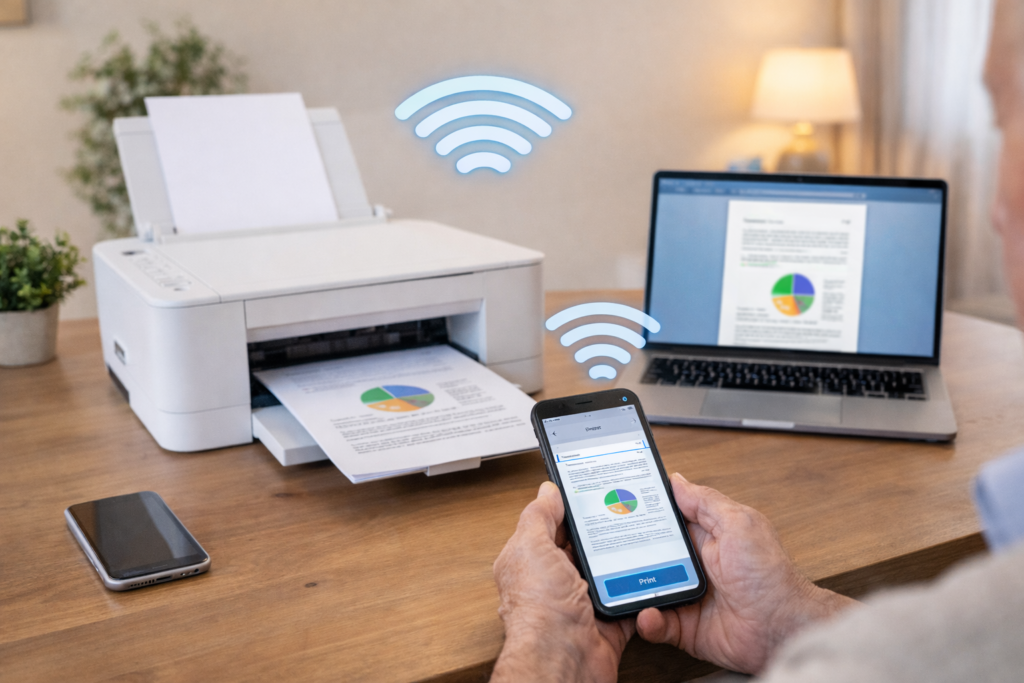
Printing From Phone or Tablet Doesn’t Work
You may also find our article on Phone and Tablet Setup Melbourne helpful when connecting devices for wireless printing.
Paper Jams That Keep Coming Back
Often caused by incorrect paper settings or worn rollers.
Why DIY Printer Fixes Rarely Last
Many people try:
Restarting the printer
Reinstalling the app
Changing ink cartridges
These steps may work briefly, but printer issues are usually caused by setup, network, or driver problems that require proper configuration.
This is why printer problems tend to return again and again.
How In-home IT Support Fixes Printer Problems Properly
An in-home technician can:
Connect the printer correctly to Wi-Fi
Install and update drivers
Set up printing from all devices
Fix scan-to-email and scan-to-folder features
Remove old or duplicate printer profiles
Everything is tested before the technician leaves, so you know it works.
What to Expect During a Printer Support Visit
During a home visit, you can expect:
Printer and network check
Setup on computers, phones, and tablets
Clear explanation in plain English
Test prints completed before leaving
This approach is ideal for seniors who want calm, step-by-step help.
Signs Your Printer Needs Professional Setup
Many printer problems are not caused by the printer itself but by incorrect setup or network configuration.
If multiple devices cannot connect, printing randomly stops, or errors keep appearing, the printer may need to be reconfigured.
A technician can reset the connection, install the correct drivers, remove duplicate printer profiles, and ensure every device in the home can print properly.
Pricing Expectations for Printer Help at Home
Typical Melbourne pricing:
Call-out + first hour: $120–$160
Additional time: $30–$50 per 30 minutes
Most printer issues are resolved within one visit.
When to Call for Professional Printer Help
You should consider in-home IT support if:
The printer keeps disconnecting
Multiple devices won’t print
You’ve replaced ink but errors remain
Printing is needed for work, school, or medical paperwork
Frequently Asked Questions
Yes, if drivers are available and the hardware is working.
Yes, including phones and tablets.
Often yes—especially if setup is the real issue.
They can, especially if the network is unstable.
Usually 30–90 minutes.
Yes. Printer problems at home Melbourne are one of the top reasons people book in-home IT support.
Need Help Fixing Printer Problems at Home?
Printers should be simple—but they often aren’t.
If you’re dealing with ongoing printer problems at home in Melbourne, professional in-home IT support can diagnose the issue and set everything up properly.
Our technicians connect printers, install drivers, configure wireless printing, and test everything before leaving.
Helpful Technology Guides
- Computer Not Connecting to Wi-Fi Melbourne
- Computer Running Slow Melbourne
- Slow Internet Speeds at Home Melbourne
- Wireless Printer Setup at Home Melbourne