
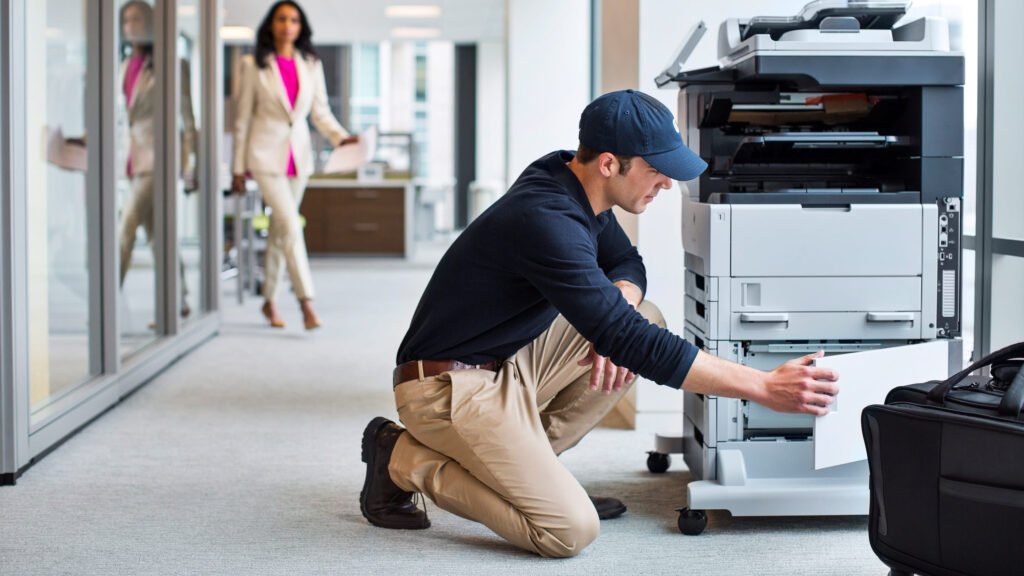
Need to fix printer offline error Melbourne? Learn why printers go offline, safe steps to try, and when in-home IT support is the easiest solution.
Why Your Printer Suddenly Shows “Offline”
Few things are more frustrating than clicking print… and seeing “Printer Offline.”
Across homes in Melbourne, this is one of the most common printer problems — especially for seniors and families who rely on printing for forms, schoolwork, or medical paperwork.
The confusing part?
The printer is turned on. The Wi-Fi is working. But it still says offline.
The good news is that most printer offline errors are caused by simple connection or configuration issues — not a broken printer.
Common Reasons a Printer Goes Offline
There are several reasons a printer may show as offline:
The computer updated and removed the driver
Multiple printer versions are installed
The printer is connected to the wrong network
A Windows update changed settings
The print spooler service stopped working
These problems are especially common after:
Getting a new computer
Changing internet providers
Router resets
Software updates
Safe Things You Can Try First
Before calling for help, you can try:
Restarting both the printer and computer
Checking the Wi-Fi network name on the printer
Ensuring the printer is set as “Default”
Removing duplicate printer entries
Avoiding repeated driver installs
If the issue keeps returning, it’s best not to keep guessing — repeated installs can create more conflicts.
Why Printer Offline Errors Keep Coming Back
Many people fix the problem temporarily, only to see it return days later.
This usually happens because:
The network configuration wasn’t fully corrected
The wrong driver was installed
Background Windows settings weren’t adjusted
Printer settings weren’t synced properly
That’s why a proper diagnosis matters.
How In-home IT Support Fixes Printer Offline Errors Properly
A technician providing IT support for seniors Melbourne can:
Remove duplicate printer drivers
Install the correct manufacturer driver
Reconnect the printer to the correct Wi-Fi network
Reset printer spooler services
Test print from multiple programs
Ensure scanner functions work too
👉 This is where On-site IT support Melbourne is especially helpful — everything is tested in your home environment before the technician leaves.
When You Should Call for Professional Help
You should consider professional help if:
The printer shows offline repeatedly
You’ve reinstalled drivers multiple times
The issue started after a Windows update
Printing is urgent or important
You don’t want to risk misconfiguring settings
Early help prevents ongoing frustration.
Pricing Expectations in Melbourne
Typical pricing for printer troubleshooting includes:
Call-out + first hour: $120–$160
Additional time: $30–$50 per 30 minutes
Most printer offline issues are resolved in one visit.
Frequently Asked Questions
It usually means the computer has lost communication with the printer.
Yes, updates sometimes affect drivers or network settings.
Usually not — most offline issues are fixable.
Yes, printing and scanning can be configured together.
Yes, reputable providers offer patient, face-to-face help.
Yes. Fix printer offline error Melbourne is one of the most common reasons people book in-home printer support.
Conclusion
A printer showing “offline” doesn’t mean it’s broken. If you need to fix printer offline error Melbourne, professional in-home IT support can identify the cause, correct the settings properly, and make sure printing works reliably again.
Many Melbourne families trust Fixable for calm, reliable in-home tech help.
Need On-Site IT Support in Melbourne?
If technology problems at home are becoming frustrating, Fixable provides friendly in-home IT support across Melbourne.
Our technicians can visit your home and help with computers, Wi-Fi, printers, email setup, and device troubleshooting — all explained in simple terms.
Helpful Technology Guides
Computer Running Slow Melbourne
Wireless Printer Setup Melbourne
Slow Internet Speeds at Home Melbourne
Help Removing Computer Virus Melbourne
Areas We Service
Fixable provides in-home computer help across Melbourne suburbs including Brighton, Camberwell, Balwyn, Kew, Doncaster, Glen Waverley, Hawthorn and surrounding areas.